
Graphviz
Graphviz is a virtual reality learning experience for students, designed and developed for Dreamscape Learn in partnership with ASU. Graphviz allows professors to teach students about various mathematical models with the aid of interactable 3D models of the graphs displayed in the virtual environment.
Roles
User-Experience Designer, Creative XR Developer, Unity Developer, Web Designer
Deliverables
Web Portal, Desk interactions, User Interactions, Unity Scripts
Project Specs
Jira, Figma, Unity, Zoom, Dreamscape proprietary tools



Final Prototype
Problem Statement #1
Educating undergrads on the concepts of volumetric graphs in a 3D space, thus eliminating the limitations of 2D geometry for better conceptualization.
Solution
Create a VR classroom using DreamScape’s immersive technology.
Problem Statement #2
Creating interactive 3D elements and environment to promote sensory learning and expand creative possibilities.
Solution
Use DreamScape’s spatial mapping to provide gesture based controls, using Unity as a way to create virtual triggers.
Problem Statement #3
Enable professors to upload lesson content to the DreamScape server before the class to allow for an immersive learning experience through seamless integration.
Solution
Design a web portal that professors can access remotely through their laptop. Use that as a bridge between the human and the DreamScape server for professors to upload lesson content like images and text.
Design Process
The project consists of two parts:
The Virtual Classroom where the students and the professor will take the class and interact with the graphs.
The web portal where the professor can upload different graphs to then use them in the virtual classroom.
Part 1: Virtual Classroom
The professors access controls with the help of their desk that is situated near the location where their avatars spawn. The desk’s surface has all the controls that professors need. The controls are interactive and function like a tablet. I was a part of the team that worked on the design of the desk and I helped design certain features that are shown below.

Iteration 1
A simple menu.


iteration 1

Iteration 2
An improvement on the iteration 1 design in terms of reducing the number of clicks (taps, technically) to reach the “point color” and “point shape” menus.
iteration 2

Iteration 3
An improvement over on the iteration 2 designs by eliminating the requirement to use the “back” button when the user reaches the “point color” and “point shape” menus.


Part 2: Web portal
Inspiration
I drew my design inspiration for the web portal from my previous experience working as a product analyst at Kennect Inc, Mumbai, India. We created a dashboard in the company to display content in a similar manner and I found that applying the same concepts here worked well and resulted in good feedback from the team.
User Flow
During the user flow creation, I was in constant communication with the developers to make sure we had the same system in mind. I was also looking to simplify the user experience wherever possible. I collaborated with the developers to come up with a user flow that would be the lead the user to their goals in the most intuitive and simple manner. During this phase, simplicity was my main goal.

Low-fidelity wireframes
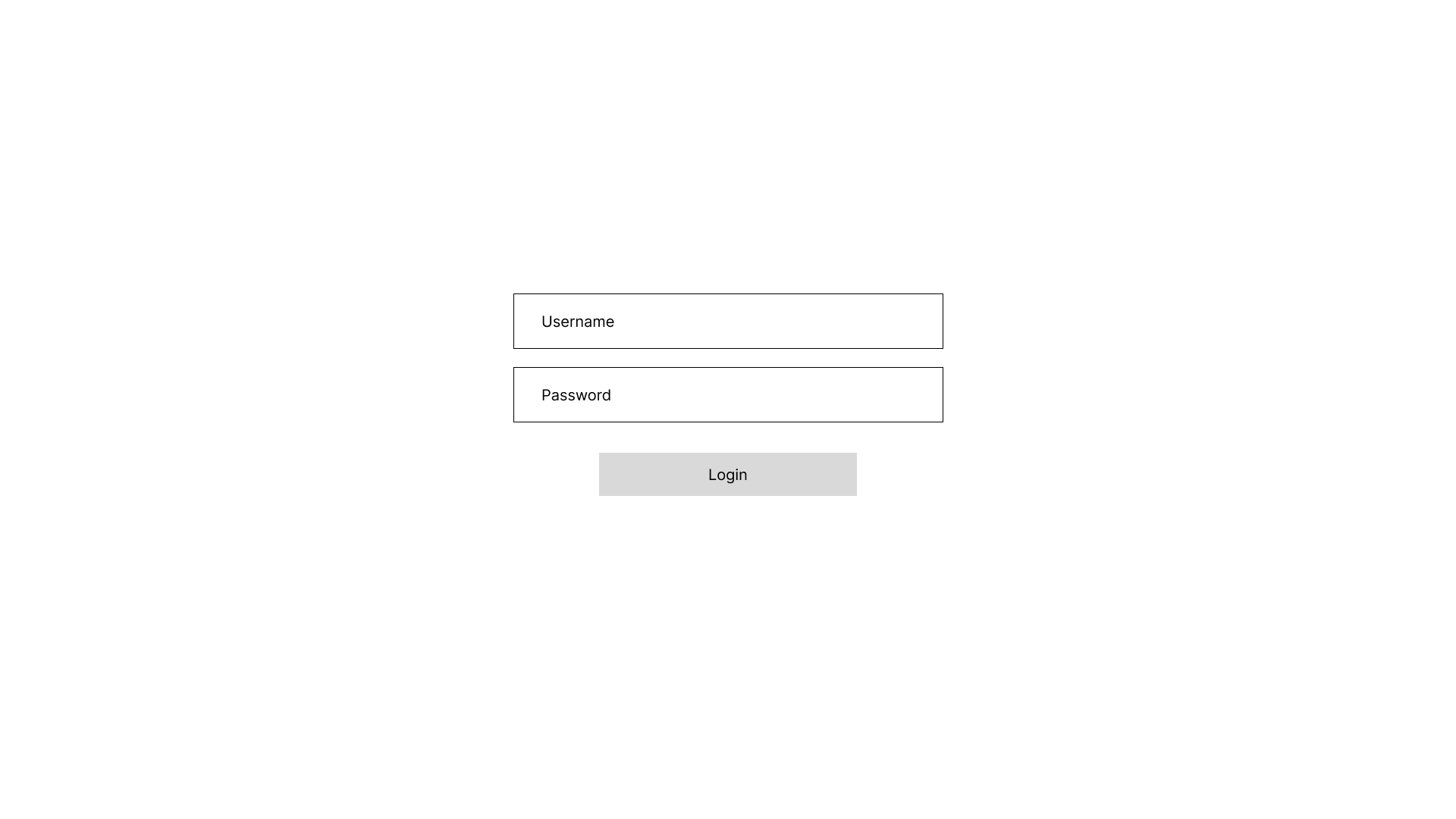


High-fidelity wireframes


Color
During the making of this project, the stakeholders decided that all our projects in collaboration with Dreamscape should follow a certain theme to make the user identify Meteor Studio’s brand. One of the best ways to create and maintain a brand identity is through colors. We settled on a default dark theme and used Meteor Studio’s logo as inspiration to come up with the color palette.
User Feedback
User testing provided us with the following feedback:
“Can you make the desk height adjustable?” This observation came after some of the professor testers faced an issue with the desk height a they were too tall to reach the controls comfortably.
I solved this problem by adding foot pedals to the floor near the desk. The professor can press the pedals with their feet to increase/decrease the height of the desk.“The students are left idle while the professor is busy setting up the lesson using the controls. Can we make the tabletop visible to the students?” Our developer solved this problem by adding a camera int he scene whose target is the tabletop, and it “live streams” its recording on the wall behind the professor.

Foot pedals for the desk

Tabletop projection on the wall situated behind the professor
Future Improvements
Improve graph resolution in the virtual classroom.
Based on further user feedback, might add the ability to delete lessons.
Expand the list of file types accepted in Unity to increase virtual classroom capabilities.
What I Learned
Button placement
Button placements are important for any user interface, but they become crucial in VR’s user interfaces. For example, one tester mistook my foot pedals to be buttons and tried bending down to interact with them. Although this problem never occurred again, it shows that people are still quite unfamiliar with virtual reality.
Communication
I had to communicate with the developers on our team while working on the web portal’s design. At first, it was me taking feedback from them for my wireframes and design, whereas later on I was the one giving feedback on the development results. This experience helped me understand the value of clear and concise communication and it also showed me how important small things like leaving comments on designs and documentation can be.
Color contrast
On my first iteration of the web portal, I used #000000 as the background color. This created a piercing contrast between the background and the white text. Upon user feedback, I learned how uncomfortable it made the user and I changed the background to a lighter shade to decrease the contrast.